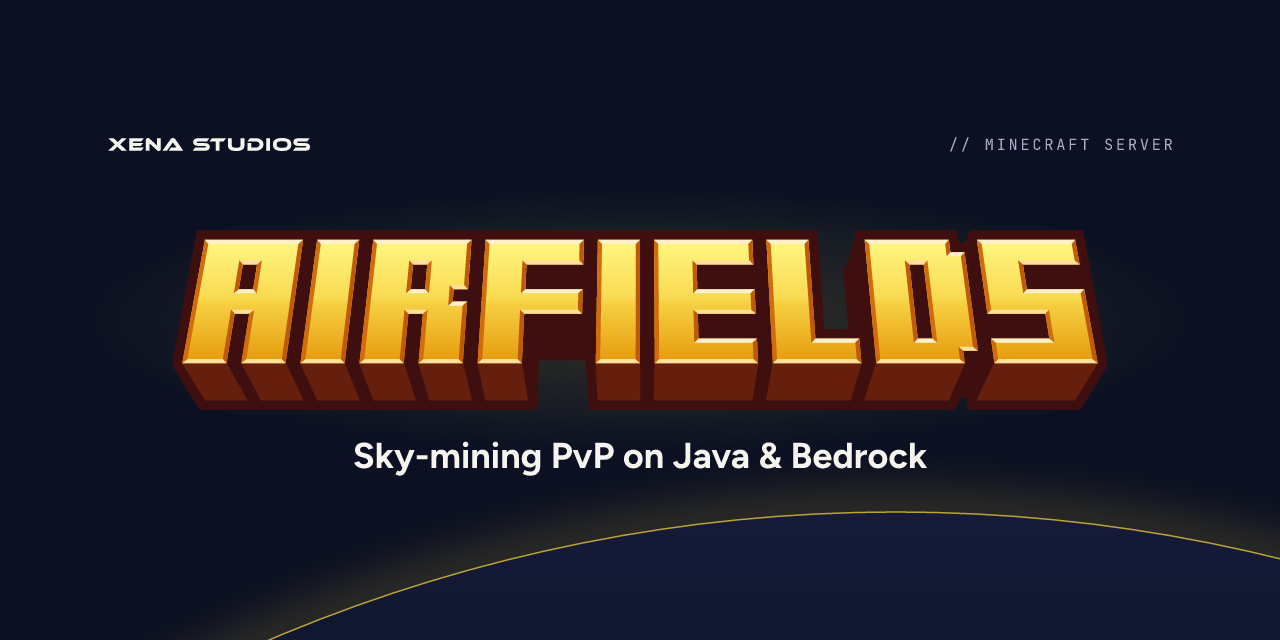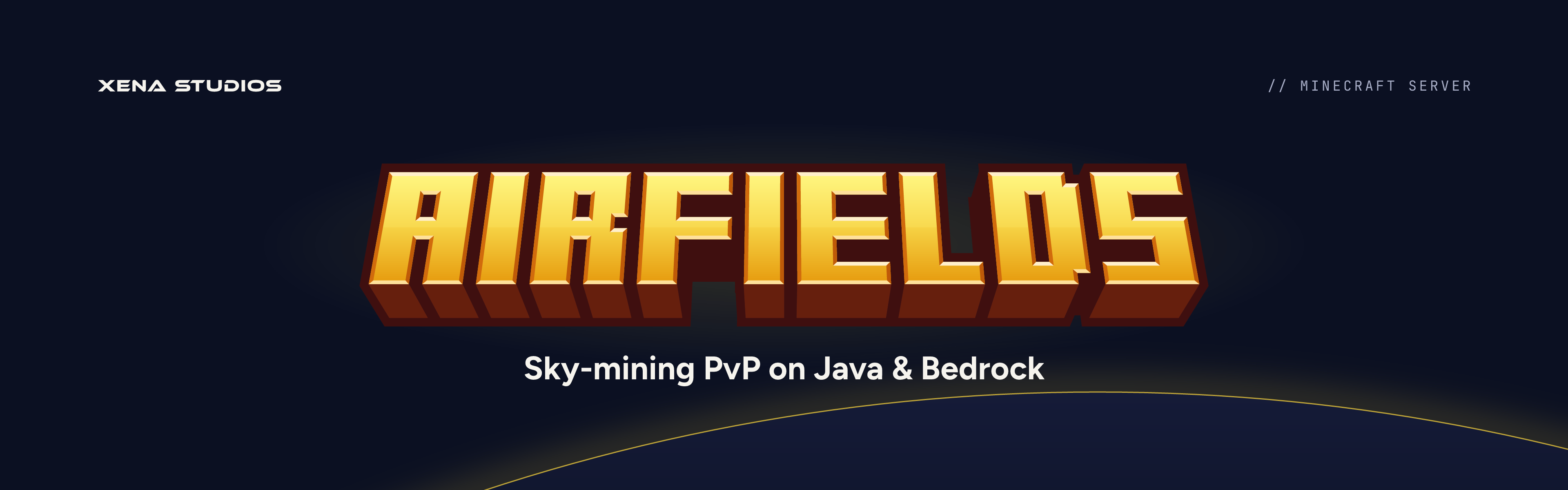
- Tagline: Sky-mining PvP on Java & Bedrock. A season can add its own line: winter's is Mine the frozen sky. Forge your gear. Rule the islands.
- Summary: A sky-mining PvP Minecraft server for Java and Bedrock. Mine floating islands, fight ore mobs, forge your gear and hold KOTH.
- Name: always Airfields, one word with a capital A. Handles and the domain add MC (
airfieldsmc, airfieldsmc.com). In listings, pair it with what it is: Airfields — Sky-Mining PvP.
Marks


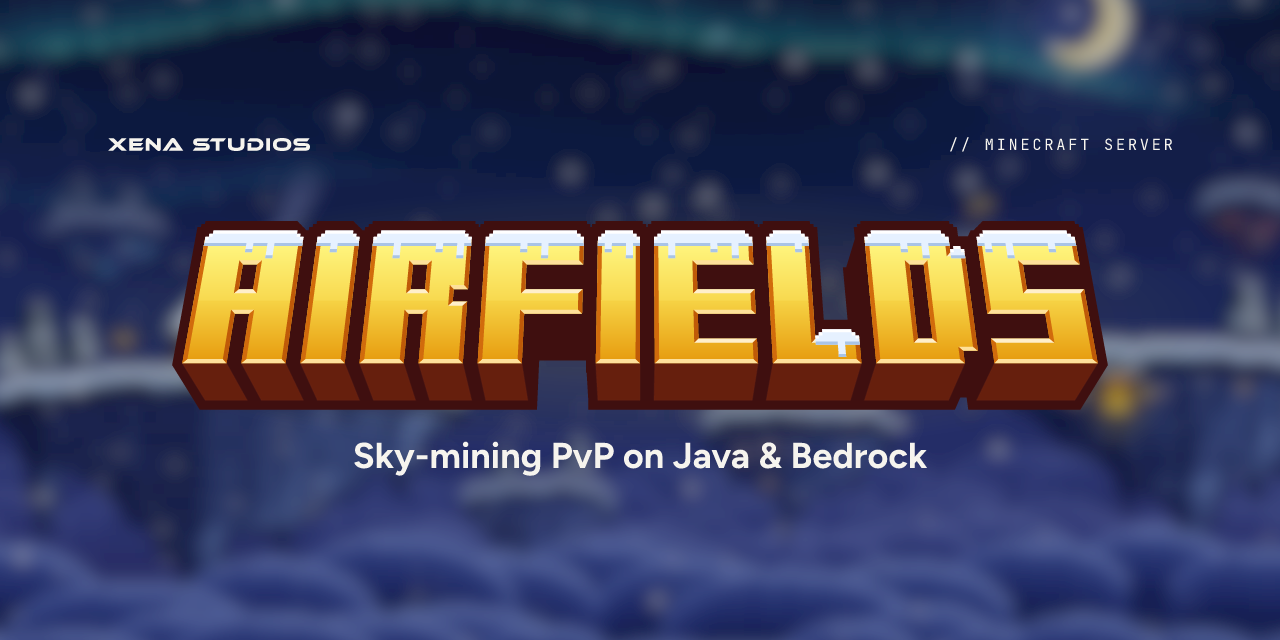
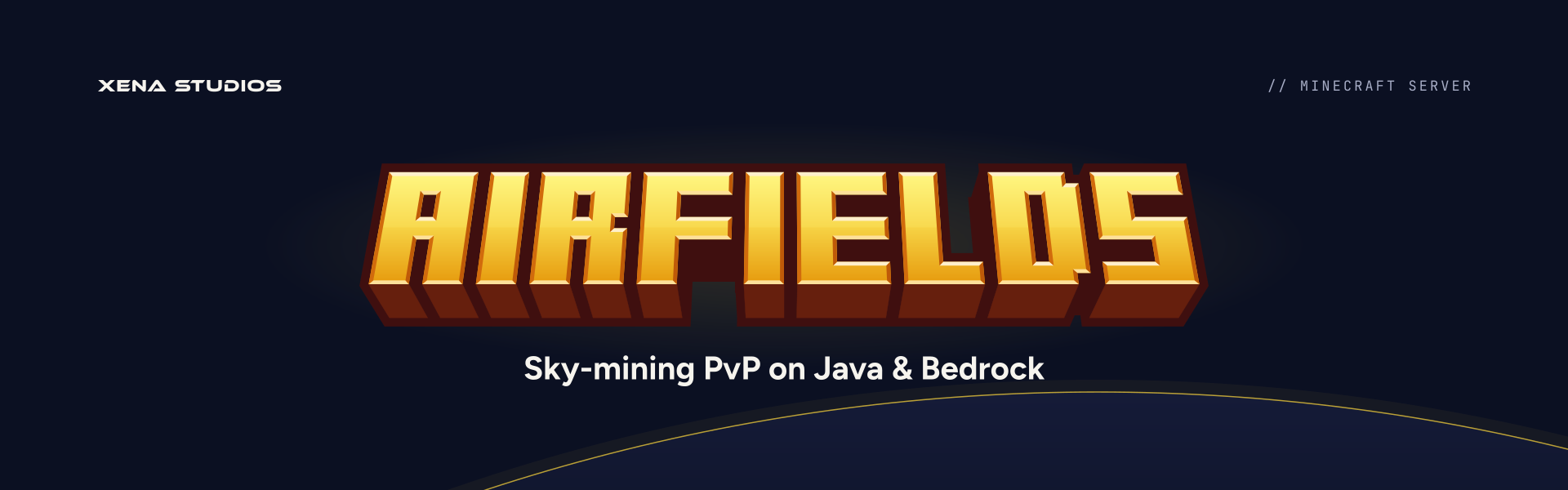
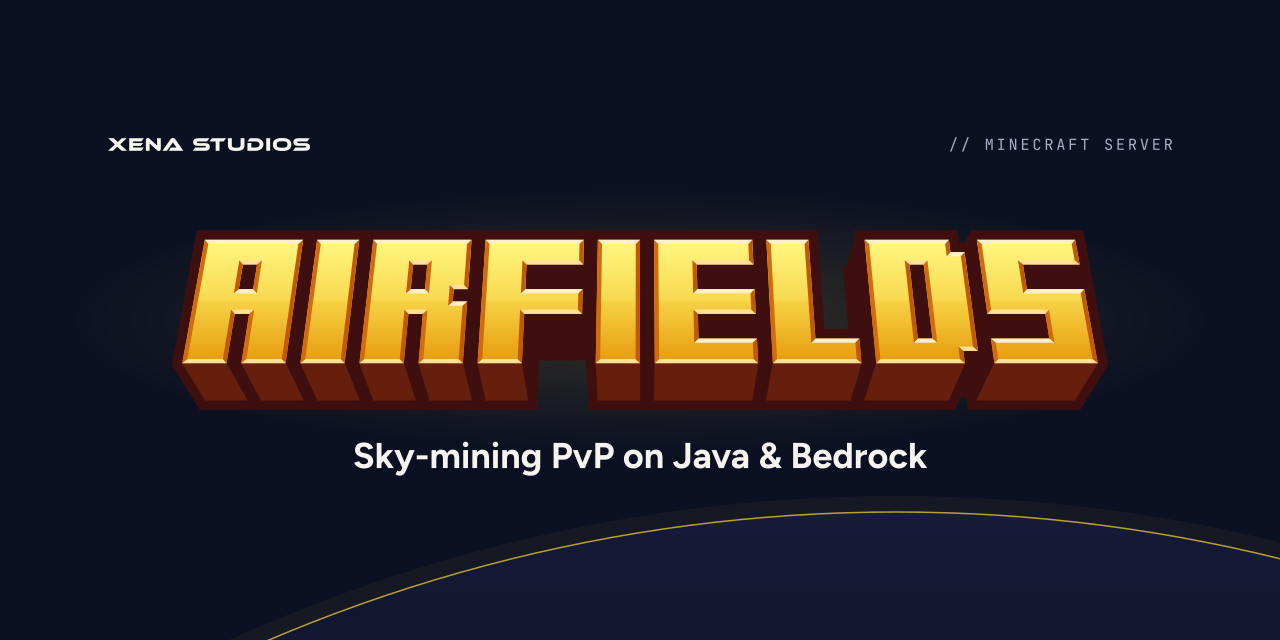
- Wordmark: AIRFIELDS in block title lettering, like a game's title screen: chunky letters on a grid, a gold face lit from above (pale at the top, deep gold at the foot), bevelled edges, a deep brown extrusion under the baseline and one thick maroon outline around it all. The letters lean out slightly toward the bottom. It's lettering drawn on a grid, not a font, so always use the file and never retype it.
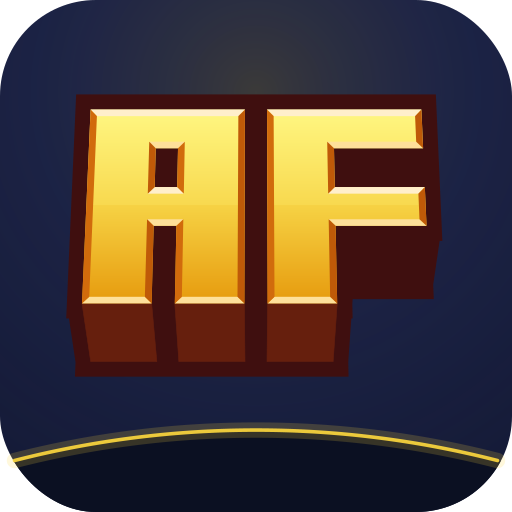
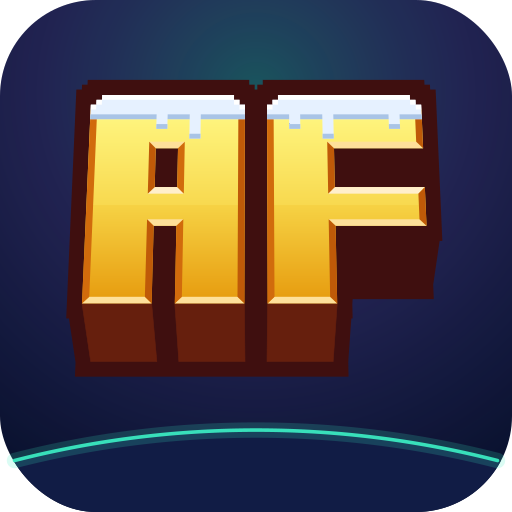
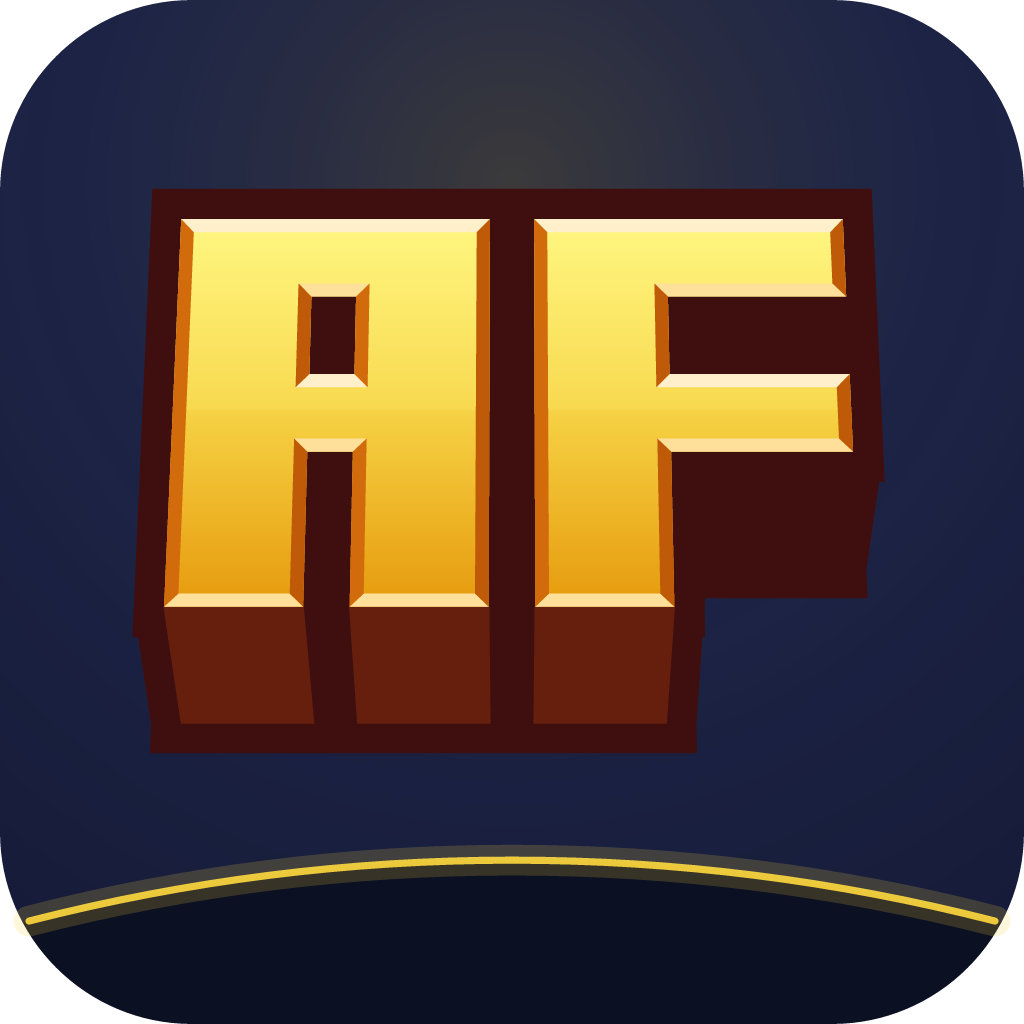
- Monogram: AF in the same lettering, for small and square spots.
- The A's emblem: the A has a square counter like the R and a plain face. Each season can cut its emblem into it in the same bevelled style (winter keeps the plain A). Never put a creeper or any other Minecraft mark in it.
- Icon: the monogram standing on a small horizon, on a
sky-raisedtile with a soft gold glow, 6/32 corners. It clears Discord's circle crop. At 64px and below (the favicon) the monogram fills the tile, drops its bevels and emblem, and the horizon drops out. The Minecraft server list uses the game's own icon instead: the season's monogram on a clear background (airfields/official/server-icon.png). - Clear space: the exported files include it. Minimum size: the wordmark 160px wide, the icon 16px.
- Don't recolour the gold or the outline, add a second outline, redraw the letters, or put a season's emblem on the permanent files.
The lettering is drawn by scripts/airfields-logo.ts, recreated from the owner's original artwork: each letter's cells, the lean, the extrusion, the bevel and outline widths and the colours are measured from it.
Colour
| Token | Hex | Role |
|---|---|---|
gold |
#FFD93D |
Airfields Gold, the one accent: buttons, highlights, the horizon's rim |
gold-daylight |
#7A5600 |
Gold text on light backgrounds |
sky |
#0B1022 |
Background |
sky-raised |
#151B38 |
Cards, icon tile, planet body |
sky-rule |
#283058 |
Borders |
text |
#F6F4EE |
Text on dark |
muted |
#A7ADC6 |
Secondary text, kickers |
ink |
#1A1405 |
Text on light and on gold, the logo's outline |
cloud |
#F6F7FB |
Light backgrounds |
gold-light, gold-deep, bronze, bronze-dark |
#FFF3B0, #F0B312, #A8700A, #5A3A06 |
Golds and browns for illustration only |
title-extrusion, title-outline |
#661F0D, #3F0F0F |
The wordmark's extrusion and outline, for illustration only |
Airfields Gold sits at OKLCH hue 96, a lemon gold, so it stays clear of the plugin family's amber (xUtilities, hue 81) and MostWanted's Desert Orange (hue 60). In tokens/airfields.css (--airfields-*) and tokens/airfields.json. Use gold-daylight, not gold, for text on white.
Type
- The wordmark and monogram are lettering, not type. On graphics and the site, Unbounded Bold for headings and Figtree for taglines and text.
- JetBrains Mono for the
//kicker, as on every Xena banner. The game's website uses IBM Plex Mono for labels.
Seasons
The game changes its look with the season; the permanent brand above doesn't. Each season is a theme: its own sky, horizon rim and glow, the emblem it cuts into the A, and optionally a pixel scene. A theme may add weather to its own graphics (winter's falling snow), which the permanent files never have. Theme files are in airfields/themes/<id>/, and the theme definitions are in themes in scripts/airfields-brand.ts.
Winter (2026)

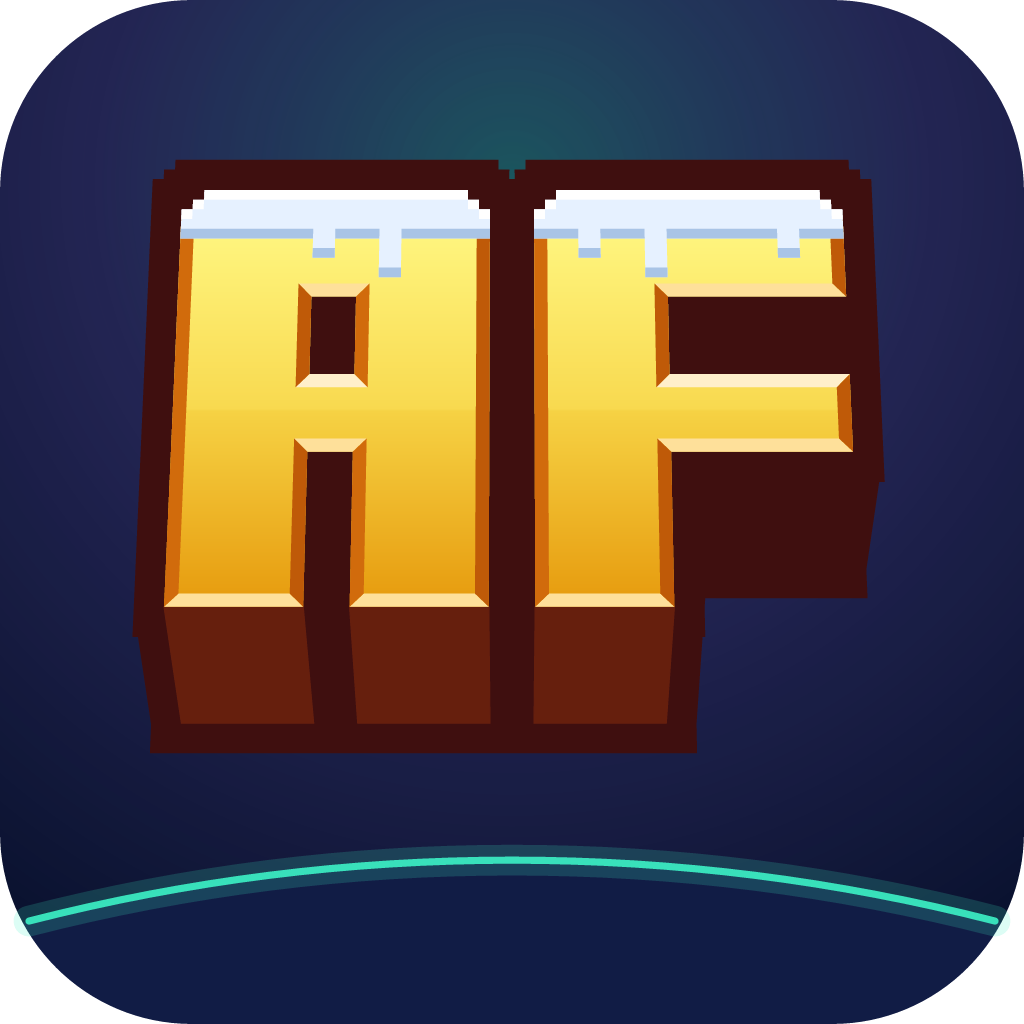
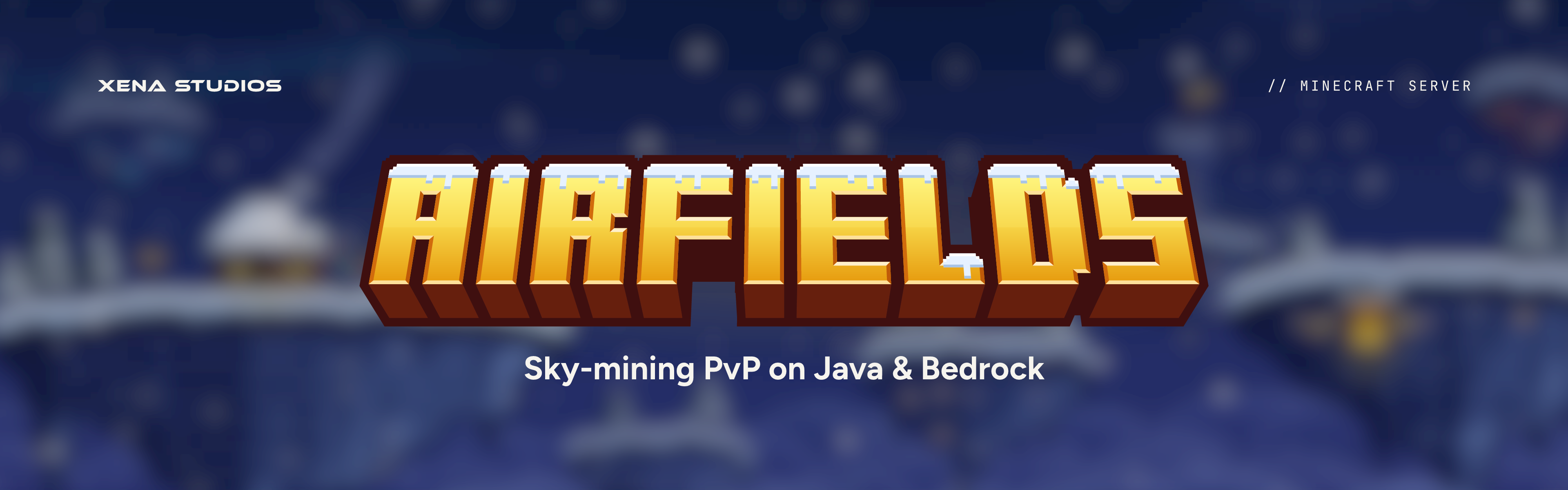
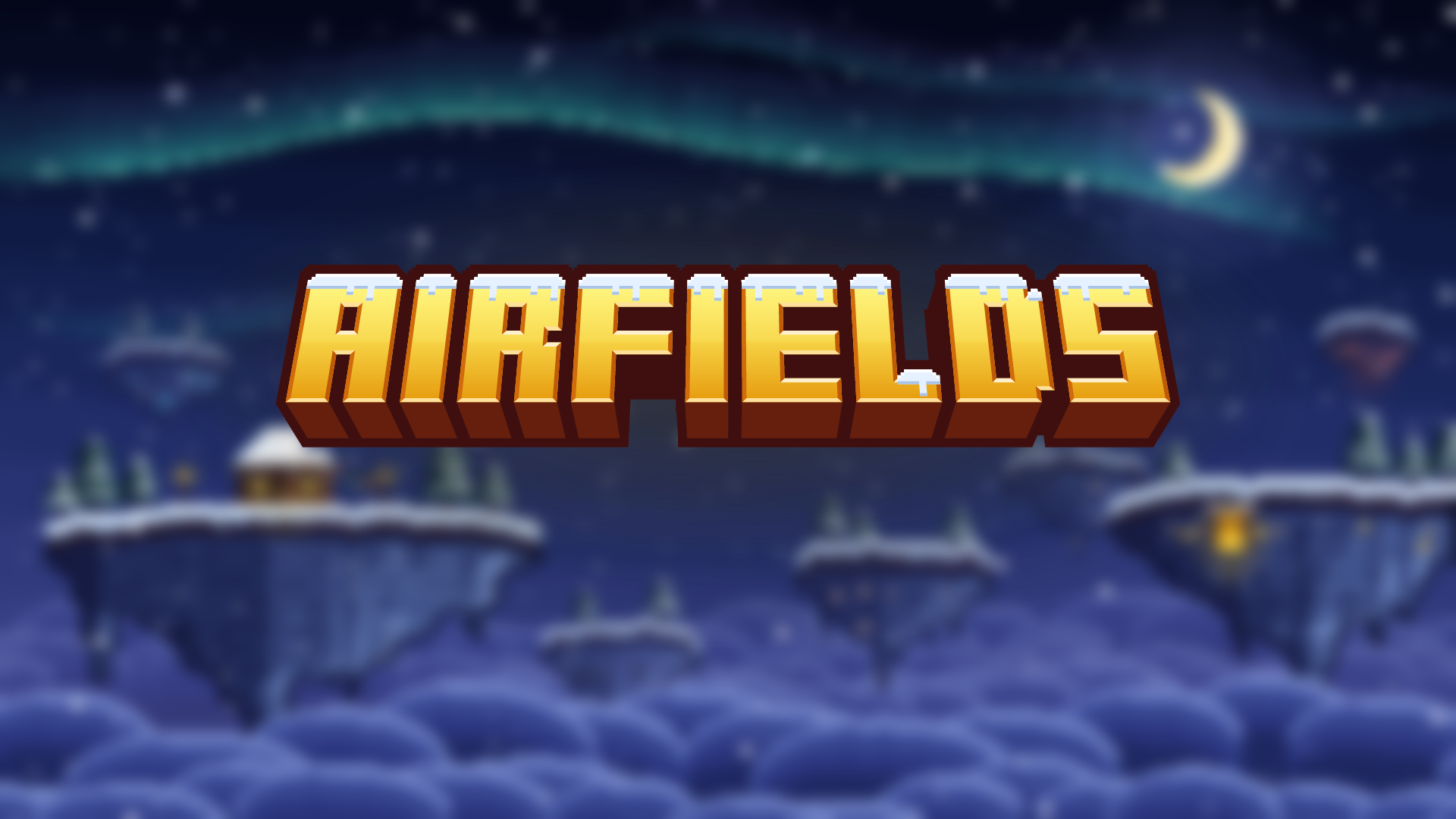
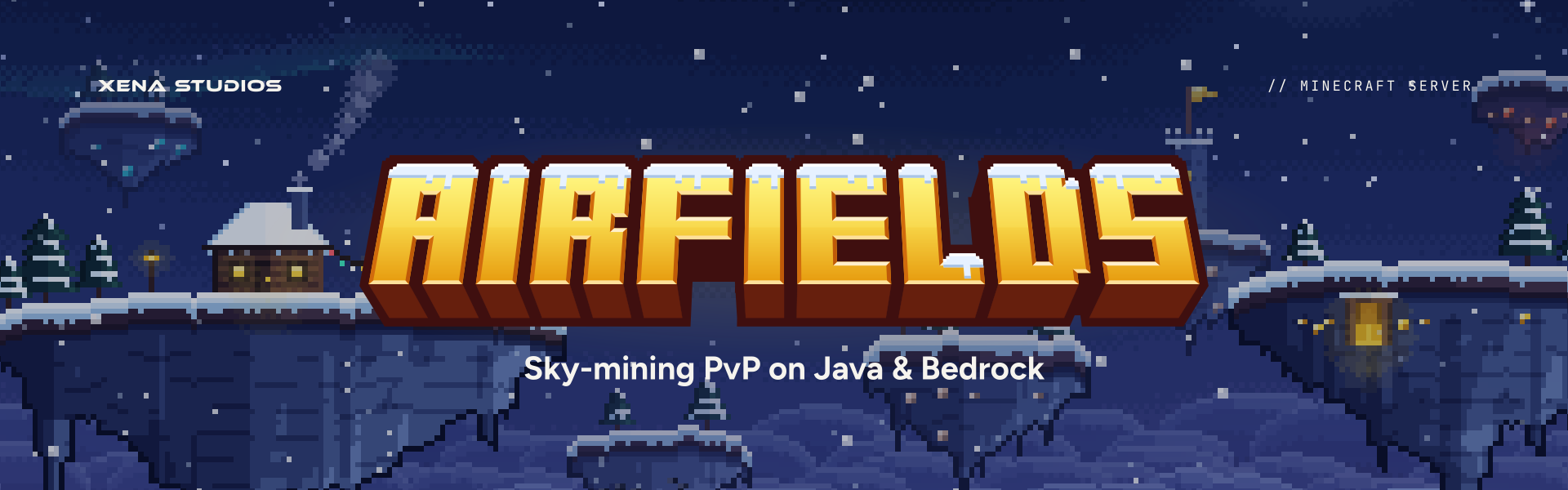
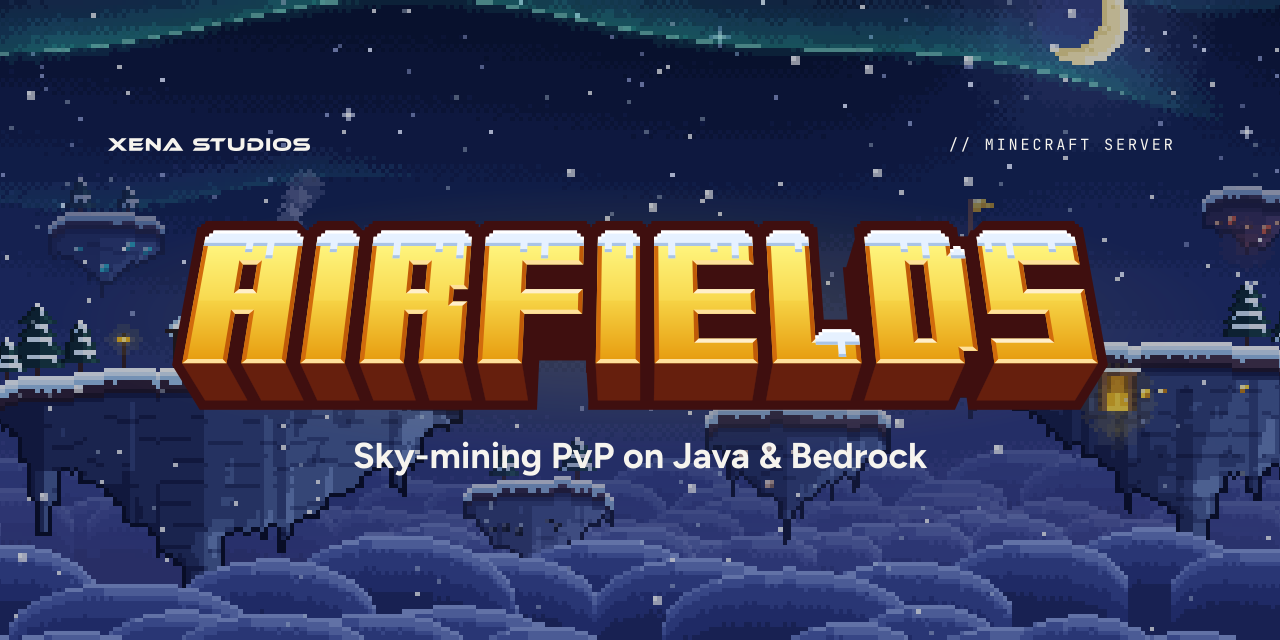
Blocky snow piled on top of every letter (with a few drips), the plain A, a navy sky with an aurora glow and falling snow, and an aurora-teal horizon. For the game's site, Discord and listings while the winter season runs.
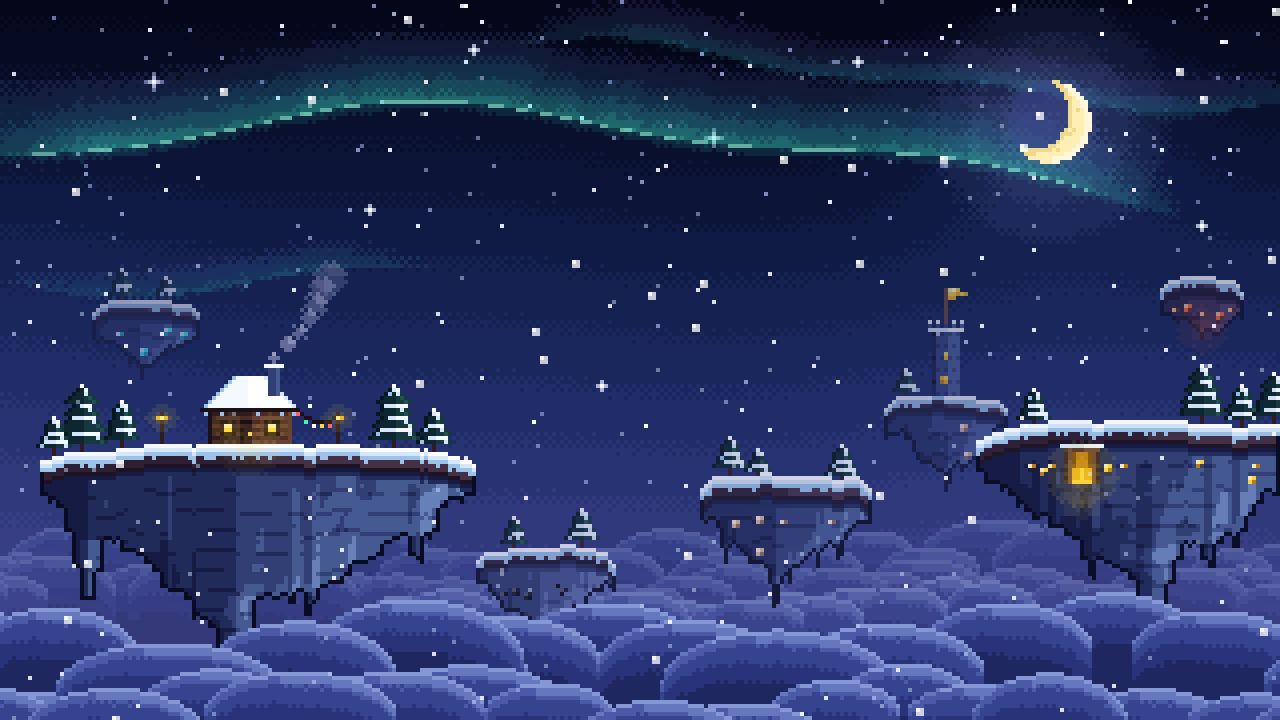
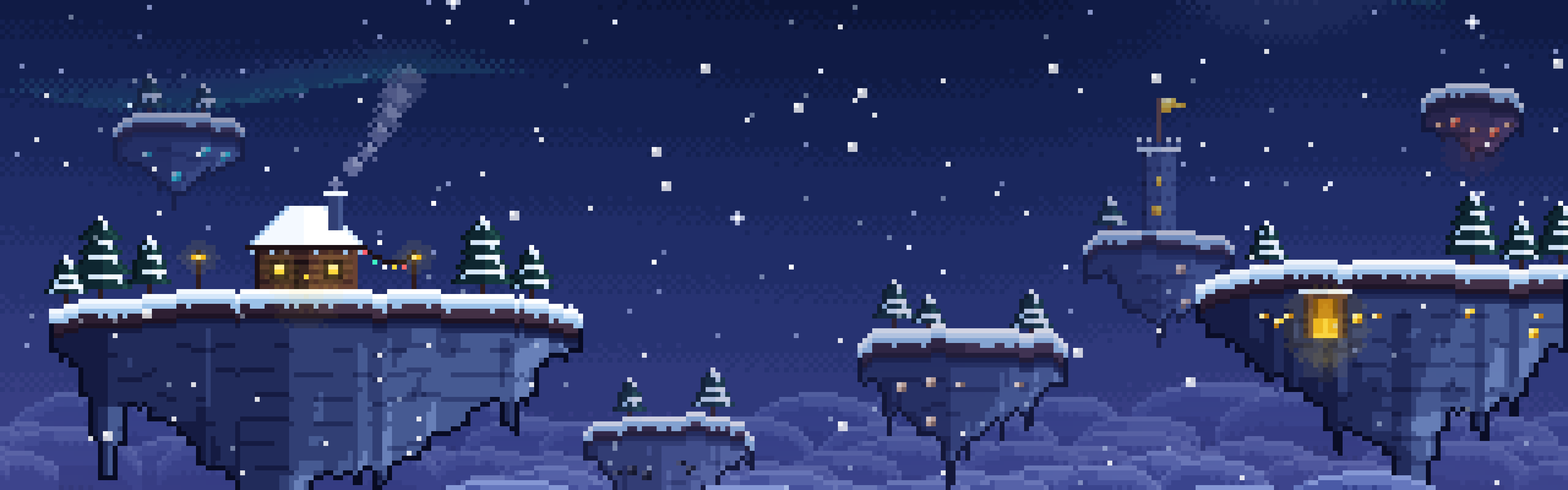
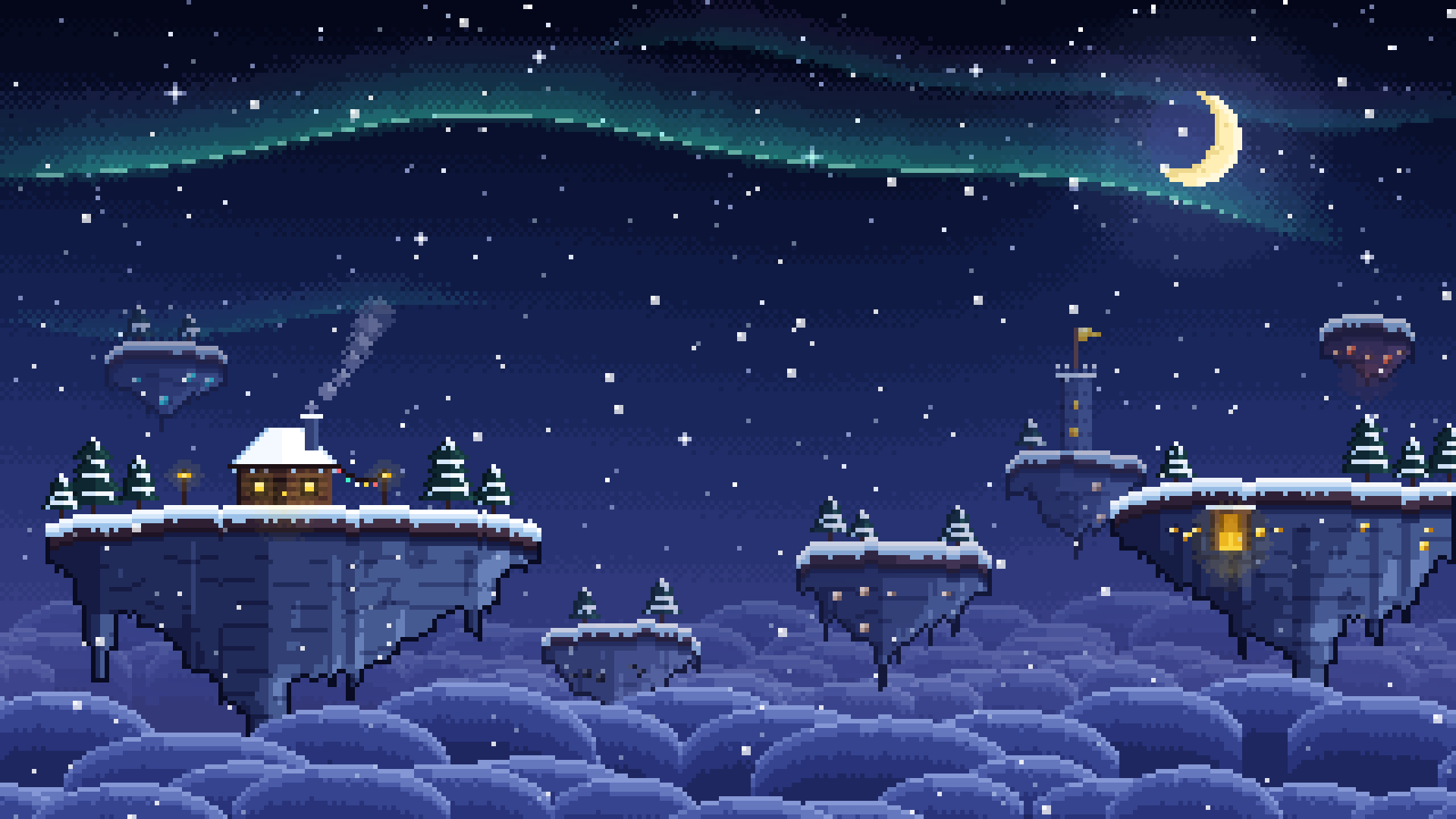
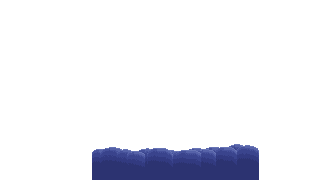
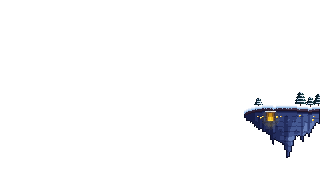
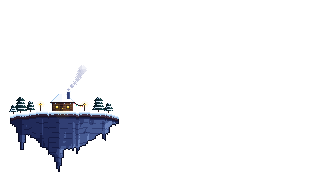
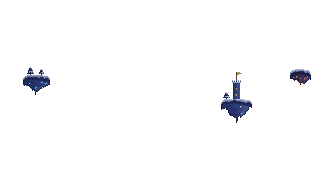
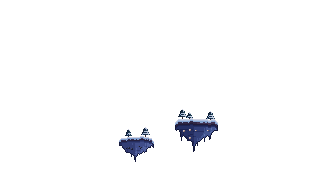
The pixel scene is winter's key art, the counterpart of MostWanted's pixel desert: the island route floating over a sea of cloud on a winter night. The hub on the left (a cabin with lit windows and chimney smoke, lanterns, a string of lights), coal and iron in the middle, the KOTH island with its tower and flag beside iron, gold on the right with its mine glowing, and diamond and netherite farther off and higher. Each island's rock shows its ore. Farther islands are smaller, bluer and flatter. The sky above the middle stays calm for the wordmark.
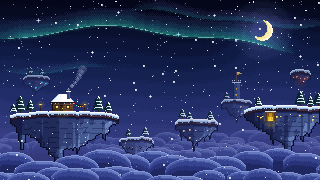
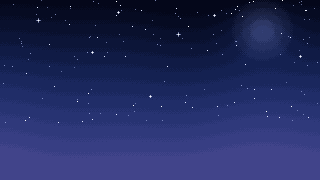
It's pixel art drawn by code, pixel by pixel, in scripts/airfields-scene.ts: a 320×180 canvas (stepped sky bands with ordered dithering, stars, a crescent moon, aurora curtains, cloud billows, the islands, falling snow), scaled up with nearest neighbour so every art pixel stays a square. Show it with image-rendering: pixelated when the browser scales it. The key art blurs it under the wordmark, as MostWanted's does; the winter banner and social preview use the same blurred scene.
The layers: the same scene split by depth into twelve transparent PNGs in airfields/themes/winter/layers/, each the full 320×180 at 1×: the sky (with the stars and the moon's halo), the aurora, the moon, three cloud banks (far, mid, near), the far islands (netherite, diamond, KOTH), the mid islands (iron, coal), the gold island, the hub, and the falling snow in two (far and near). Stacked back to front they make exactly scene-320x180.png; the build checks it. layers.json lists them in order with a depth from 0 (the sky) to 1 (the nearest snow), for a site that wants to move them apart: parallax, islands bobbing, clouds drifting, snow falling. airfieldsmc.com shows the flat scene today, so they're optional. Move them in whole art pixels so the pixels stay square, keep the movement slow and small, and show the flat scene with no motion when the viewer asks for reduced motion.
| Token | Hex | Role |
|---|---|---|
navy |
#0A1230 |
The season's sky |
night, night-raised |
#111C45, #1B2A62 |
Planet body, cards |
frost, frost-shade |
#F4F9FF, #9CC2E9 |
Snow, the cap's shadow |
aurora-teal, aurora-violet |
#3CF2C6, #9A7BFF |
The horizon's rim and the glow, never text |
In airfields/themes/winter/colors.json.
To add a season: add a theme to themes (copy winter's: sky, body, rim, glow, and optionally emblem, scenery and scene), run pnpm build:airfields, and commit airfields/themes/<id>/. A new season's scene is drawn in scripts/airfields-scene.ts. The game repo then syncs it (its brand:sync).
Files
| File | Use |
|---|---|
airfields/wordmark |
The wordmark, transparent |
airfields/monogram |
AF, transparent |
airfields/icon |
Avatar, Discord, store (512) |
airfields/favicon |
Favicon (64) |
airfields/server-icon |
The monogram on the tile at 64×64. The game ships official/server-icon.png instead |
airfields/banner |
README banner (1920×600) |
airfields/social |
GitHub social preview (1280×640) |
airfields/themes/<id>/ |
The season's wordmark, monogram, icon, server icon, banner and social preview |
airfields/themes/winter/scene.png |
The pixel scene, unblurred (1280×720, 4×) |
airfields/themes/winter/scene-1920x1080.png |
The same at 6×: the website hero |
airfields/themes/winter/scene-320x180.png |
The same at 1×, for the browser to scale with image-rendering: pixelated (smallest file) |
airfields/themes/winter/banner-scene.png |
A wide band of it (3840×1200, 12×): headers and banners with no logo |
airfields/themes/winter/key-art.png |
Key art (1920×1080): the winter wordmark over the blurred scene. Site hero, listings, thumbnails, Discord |
airfields/themes/winter/scene.json |
Where the bright stars are, in 1× pixels, for a site that makes them twinkle |
airfields/themes/winter/layers/ |
The scene in twelve depth layers at 1×, transparent, and layers.json (their order and depth), for a site that animates it (optional) |
airfields/official/server-icon.png |
The server-list icon the game ships: the season's AF on a clear background (64×64) |
airfields/official/pack-wordmark.png |
The in-game pixel wordmark from the resource pack (167×32) |
Colours and copy are in scripts/airfields-brand.ts, the lettering in scripts/airfields-logo.ts and the scene in scripts/airfields-scene.ts. pnpm build:airfields rebuilds only these files and needs only Figtree and JetBrains Mono (see Building).
airfields/official/ isn't built here: it's copied from the game repo (brand/out/server-icon.png and pack/logo/wordmark.png). The game also draws its own README banner, Discord banners, link previews and site art (such as winter's spruce and snowcaps) from these files, in its brand/ and website/. Refresh official/ when those change.